Skip to content
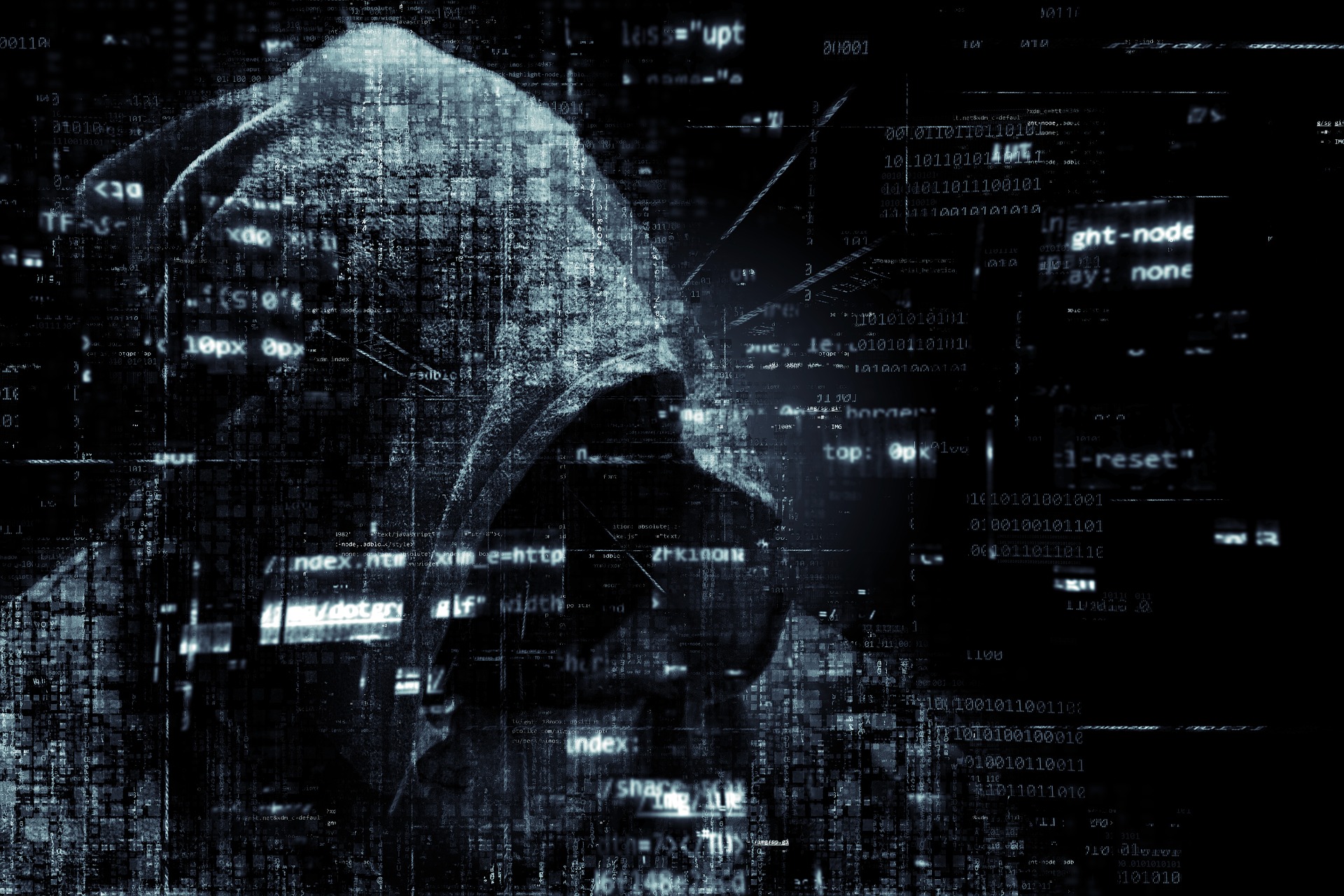
Cyber threats are often talked about interchangeably, but malware, viruses, Trojans, and spyware are not the same thing. Understanding the difference is critical—because each type of threat behaves differently, causes different damage, and requires different defenses.
For businesses, not knowing these differences can lead to gaps in protection that attackers are quick to exploit.
What Do Malware, Trojans, and Viruses Actually Do?
Malware
Malware is a broad term for any software designed to operate on a computer without the user’s consent. It includes threats such as spyware, ransomware, and Trojans—each with its own purpose.
Spyware secretly monitors user activity, often stealing credentials, financial data, or sensitive business information.
Ransomware locks systems and data, demanding payment to restore access—often bringing business operations to a halt.
Malware is frequently used not only by cybercriminals, but also by organized threat groups and foreign actors. Many of the high‑profile cyber incidents you see in the news start with malware gaining unauthorized access to a system.
How Do You Protect Against Malware?
- Protecting against malware requires layers, not a single tool.
- Use anti‑malware and antivirus software together
- Be vigilant with email attachments and links
- Only download software from trusted sources
- Keep systems and applications fully updated
- Understand that even legitimate websites can be compromised
- Technology helps—but user awareness plays a major role.
Viruses
Computer viruses behave much like biological viruses—they infect, replicate, and spread.
A virus typically attaches itself to files such as emails, downloads, or shared documents. Once activated, it creates copies of itself and spreads to other files, devices, or systems across your network.
Some viruses simply slow systems down. Others are intentionally destructive, causing data loss or system failure.
Common Signs of a Virus
- Slow system performance
- Unusual or erratic behavior
- Data corruption or loss
- Frequent crashes
How Do You Protect Against Viruses?
- Delete spam messages immediately
- Use reputable antivirus and anti‑malware software
- Avoid “free” or unverified software
- Enable and maintain firewalls
- Keep operating systems and browsers updated
- Never open unexpected attachments or links
Trojans (Trojan Horses)
Trojans are named after the legendary Trojan Horse—and for good reason.
They disguise themselves as legitimate or harmless software. Once installed, they create backdoor access into your system, allowing attackers to control devices, steal data, or deploy additional malware.
Unlike viruses, Trojans do not self‑replicate. Their danger lies in how quietly and effectively they give attackers ongoing access.
Why This Matters for Businesses
Unprotected systems are easy targets.
Cybercriminals actively scan for businesses with weak defenses, outdated software, or poor visibility into their networks. Once inside, they can move quickly—often without being detected until real damage is done.
Firewalls, antivirus tools, and caution are important—but knowing whether they’re actually working is what truly matters.
How Slick Cyber Systems Can Help
At Slick Cyber Systems, we help businesses identify risks before attackers do.
From malware protection and monitoring to network security and incident response planning, we help organizations reduce exposure and respond quickly when threats arise.
If you’re unsure whether your systems are properly protected—or want a clearer picture of your cybersecurity risks—we’re here to help.
Call Slick Cyber Systems at (570) 371‑5800 or visit us online.