Windows 11 Adds AI to Settings: A Game-Changer for Productivity
Have you ever spent way too much time digging through your computer’s Settings app, clicking through endless menus just to make one small change? It’s frustrating, right?
You know the option is there somewhere… but where?
Microsoft is solving that problem in Windows 11 with a powerful new feature: an AI Agent built directly into the Settings app.
What’s New? AI Inside Windows Settings
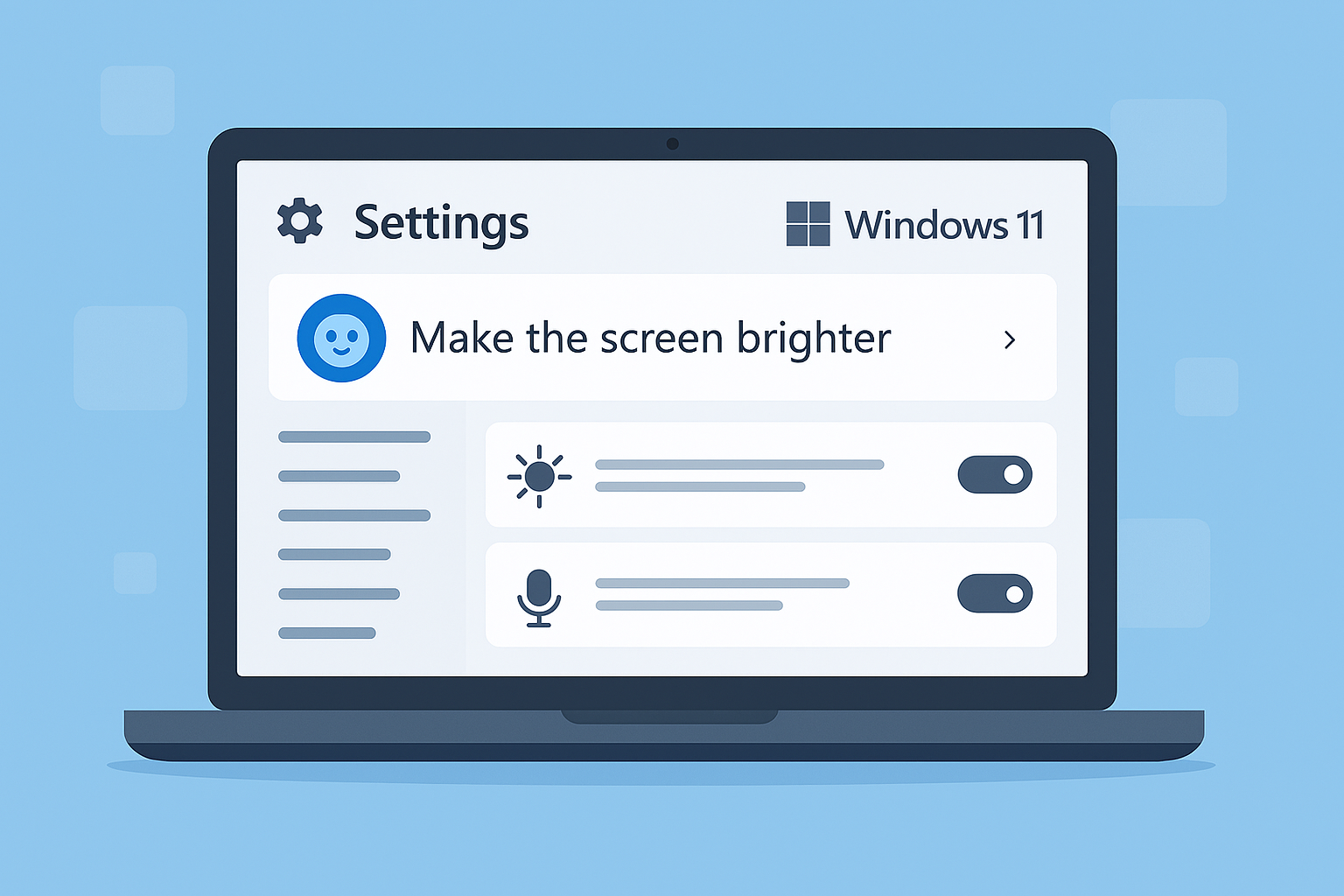
This isn’t a separate chatbot like Copilot. Instead, the AI is integrated into the search box inside Settings, making it easier than ever to find what you need.
No more guessing the exact name of a setting. Just type what you want in plain language—for example:
- “Make the screen brighter”
- “Turn on voice control”
The AI will locate the right setting or even apply the change for you automatically.
Privacy First: Local AI Processing
Here’s the best part: it all happens locally on your device. Your requests aren’t sent to the cloud, so your information stays private.
The AI uses a small, fast language model built into Windows, delivering results almost instantly. Microsoft has fine-tuned it to prioritize the most commonly used settings, so you won’t waste time scrolling through irrelevant options.
Why This Matters for Businesses
This might sound like a small tweak, but think about how often your team struggles with basic PC settings. Instead of waiting for IT support or searching online, employees can now ask the AI in plain English and get an answer in seconds.
Benefits for your business:
- Less downtime
- Fewer interruptions
- Increased confidence in using technology
That’s a win for productivity and morale.