
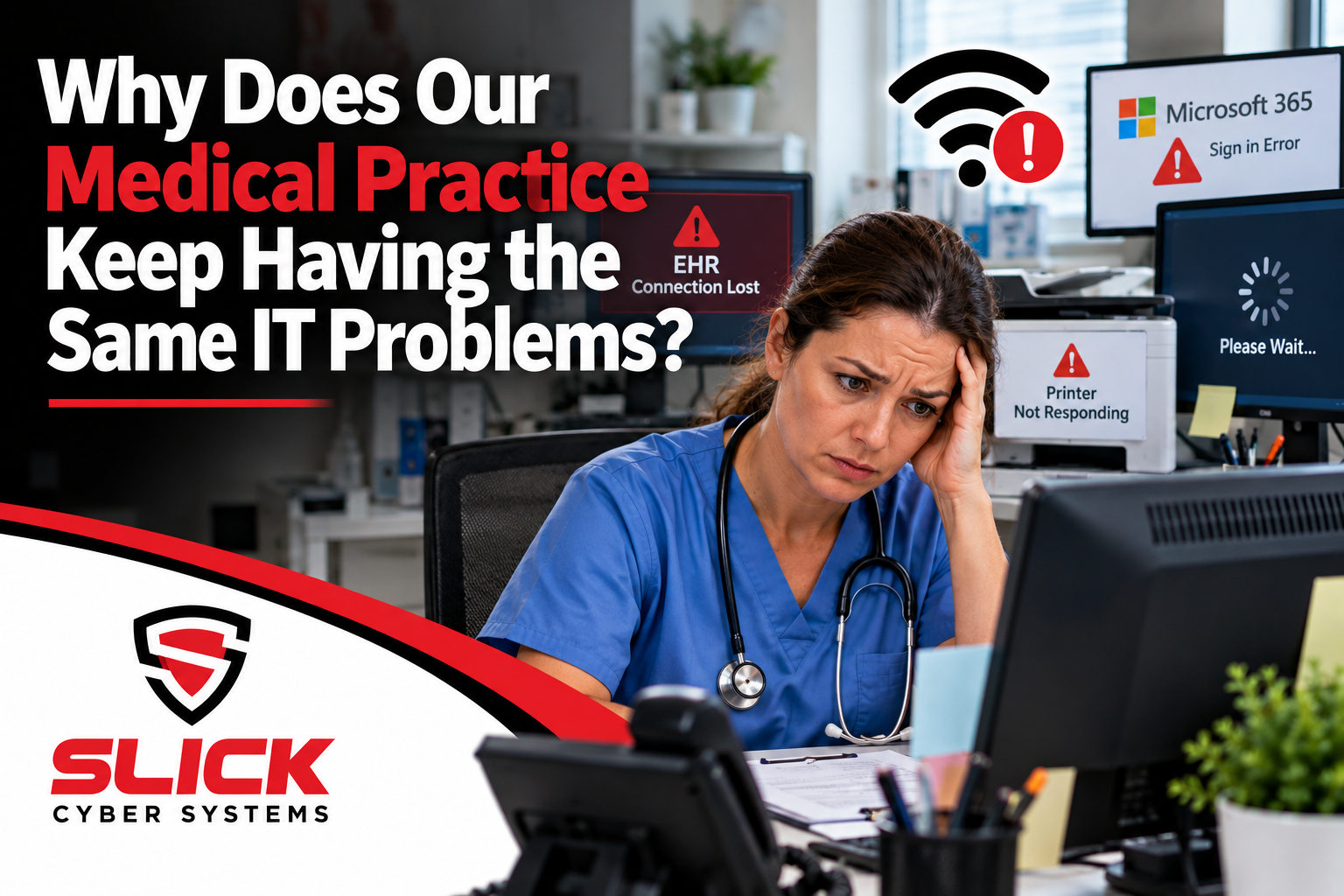
A printer stops working.
IT fixes it.
Two weeks later, it happens again.
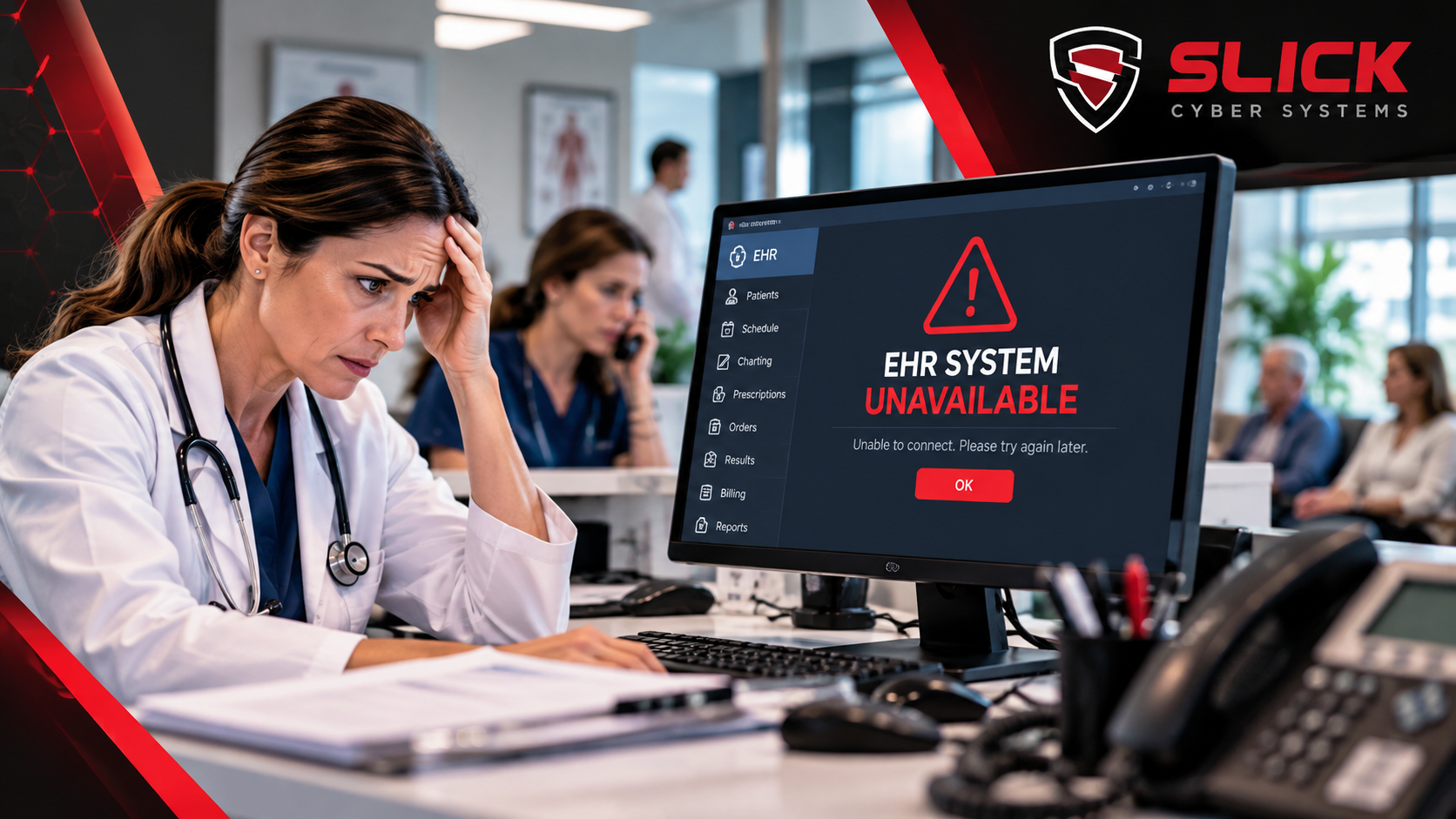
The EHR slows down.
Someone restarts a server or workstation.
Everything improves for a few days.
Then the slowdown returns.
Wi-Fi drops in the same exam rooms. Employees repeatedly have login problems. The same scanner disappears. Staff keeps hearing, “Try rebooting it.”
Medical practice IT problems should not become a repeating part of the workday.
When the same issue keeps returning, the practice may be treating the symptom instead of fixing the cause.
Why Do Medical Practice IT Problems Keep Coming Back?
Recurring problems usually point to one of four situations:
- The root cause was never identified
- Aging technology is being patched instead of replaced
- Multiple systems or vendors are involved
- Nobody is monitoring the environment closely enough to see the pattern
A temporary fix can restore service.
That does not necessarily mean the problem is solved.
The difference matters because recurring technology issues eventually affect patient flow, staff productivity, billing, and confidence in the systems employees use every day.
The Difference Between Fixing a Ticket and Fixing the Problem
Imagine the front desk cannot print.
A technician restarts the print spooler.
Printing works again.
Ticket closed.
Three days later, it stops.
The same fix gets applied.
Ticket closed again.
From a help-desk perspective, both tickets were resolved.
From the practice’s perspective, nothing was actually fixed.
The better questions are:
Why does the problem keep happening?
What changed before it started?
Is the issue happening on other computers?
Is the device, network, server, or application actually causing it?
Good IT support should eventually move from restoring service to identifying the underlying cause.
Recurring EHR Problems May Not Be EHR Problems
One of the easiest traps is blaming the application employees happen to be using.
If the EHR becomes slow repeatedly, the actual cause could involve:
- Server performance
- Database resources
- Storage
- Network congestion
- Internet connectivity
- Aging workstations
- Vendor-side performance
Restarting the workstation may temporarily help without addressing any of those issues.
The same applies when staff repeatedly loses access to an application.
A healthcare IT provider should be able to investigate the infrastructure supporting the EHR instead of automatically sending the practice back to the software company.
Slick Cyber Systems’ Business Systems Management Services focus on the infrastructure behind critical EHR, practice-management, database, and other line-of-business systems.
Medical Practice IT Problems Often Follow a Pattern
Patterns are valuable.
Suppose staff reports:
“Everything gets slow around 10:00 every morning.”
That is different from:
“Only this one computer is slow.”
Or:
“The problem only happens in exam rooms 5 through 8.”
Or:
“The EHR is slow, but everything else works normally.”
Those details can point toward very different causes.
Time-Based Problems
If performance gets worse during busy hours, investigate:
- Server load
- Network utilization
- Internet demand
- Wireless capacity
- Scheduled tasks
- Background updates
Location-Based Problems
If the issue occurs only in certain rooms, look at:
- Wi-Fi coverage
- Cabling
- Network ports
- Local equipment
User-Based Problems
If one employee repeatedly has the issue, investigate:
- User profile
- Permissions
- Device configuration
- Account settings
Application-Based Problems
If one system is consistently affected, investigate:
- Application performance
- Database
- Server
- Vendor infrastructure
- Connectivity to that system
Recurring problems become easier to solve when someone looks for the pattern instead of treating every incident as unrelated.
Aging Technology Can Create Endless Small Problems
Not every hardware problem results in a dramatic failure.
Old technology often creates repeated annoyances first.
An aging computer may:
- Freeze
- Take too long to log in
- Struggle with updates
- Run out of storage
- Perform poorly with security software
An aging server may:
- Slow down during busy periods
- Experience recurring service failures
- Run out of capacity
- Require repeated restarts
Old networking equipment may create:
- Intermittent connectivity
- Poor Wi-Fi
- Device disconnects
- Unexplained performance problems
At some point, continuing to repair an aging system costs more in lost productivity and support time than addressing the underlying infrastructure.
Repeated Network Problems Need More Than Another Reboot
Network problems are especially easy to temporarily hide.
Restarting a firewall, switch, access point, or modem may make the issue disappear.
But if the problem keeps returning, something else deserves investigation.
That could include:
- Capacity problems
- Firmware
- Failing hardware
- Configuration issues
- Cabling
- Wireless interference
- Internet-provider problems
If slow performance and connectivity issues are already common, Slick Cyber Systems’ Slow Computer & Network Issues Support addresses the underlying causes of recurring workstation and network performance problems.
Too Many Vendors Can Make Medical Practice IT Problems Harder to Solve
A medical practice may have separate companies supporting:
- EHR
- Imaging
- Internet
- Phones
- Printers
- Medical equipment
- Microsoft 365
- IT infrastructure
That is normal.
The problem starts when each vendor looks only at its own piece.
The EHR company says the network is causing the slowdown.
The internet provider says the circuit is fine.
The equipment company says IT needs to investigate.
IT says the application vendor needs to fix it.
Meanwhile, the practice still has the problem.
Someone needs to own the investigation until the actual cause is identified.
Your practice administrator should not have to become the referee between technical vendors.
Your IT Provider Should Know Which Problems Are Repeating
Recurring medical practice IT problems should not look new every time someone opens a support ticket.
Your provider should be able to identify trends such as:
- The same workstation repeatedly failing
- Multiple tickets involving the same application
- Wi-Fi issues concentrated in one area
- Recurring server alerts
- Storage repeatedly approaching capacity
- Frequent Microsoft 365 account problems
- Backup jobs failing repeatedly
That requires more than reactive support.
It requires documentation, monitoring, and reviewing support history.
Monitoring Can Find Problems Before Staff Reports Them
Employees should not always be the first people to discover that something is wrong.
Important systems can be monitored for conditions such as:
- High CPU usage
- Low memory
- Low disk space
- Hardware failures
- Backup failures
- Server outages
- Network availability
- Critical services
Monitoring does not prevent every issue.
But it gives IT a better chance of seeing developing problems before they become another complaint at the front desk.
Some Recurring Problems Come From Microsoft 365 Accounts
Not every repeated problem happens on the local network.
Practices may experience recurring:
- Outlook issues
- Login problems
- Password problems
- OneDrive synchronization failures
- Email-delivery issues
- Account lockouts
Repeated Microsoft 365 problems deserve investigation too.
Slick Cyber Systems’ Microsoft 365 and Email Services help businesses manage user accounts, email, security, licensing, and the Microsoft 365 environment.
Ask These Questions When the Same Problem Returns
When an issue happens again, do not simply ask for another fix.
Ask:
How many times has this happened?
Do we know the root cause?
Is this device or system nearing replacement?
Are other employees experiencing the same issue?
Does monitoring show anything unusual?
Is another vendor involved?
What would permanently prevent this from happening again?
Those questions shift the conversation from support tickets to problem management.
When Is a Recurring IT Problem Worth Replacing Equipment Over?
Not every repeating issue means you need new hardware.
Replacement makes sense when evidence shows that aging or failing equipment is creating the problem.
Examples include:
- Repeated hardware failures
- Unsupported operating systems
- Insufficient performance
- Limited capacity
- Parts that are no longer available
- Security requirements the device cannot support
- Support costs approaching replacement costs
The goal is not to replace technology simply because it is old.
The goal is to stop repeatedly spending time and money on technology that can no longer support the practice reliably.
What Should Happen After the Third Time?
A useful rule of thumb is simple:
If the same meaningful problem keeps returning, stop treating it like a brand-new incident.
By that point, someone should be asking:
- What is the underlying cause?
- What evidence do we have?
- What has already been tried?
- What changed after each temporary fix?
- What would permanently resolve it?
That does not mean every third ticket requires a major project.
It means repeated incidents deserve a deeper investigation.
Recurring Medical Practice IT Problems Cost More Than Support Time
Technology problems affect more than the IT budget.
They can create delays in:
- Patient check-in
- Clinical documentation
- Scheduling
- Billing
- Printing
- Scanning
- Patient communication
- Staff workflows
They also create something harder to measure:
frustration.
When employees expect systems to fail, they begin building workarounds into their day.
That is a sign the technology environment needs attention.
Stop Accepting the Same IT Problem Over and Over
Every medical practice will have occasional technology problems.
That is unavoidable.
What should not be normal is fixing the same meaningful issue repeatedly without understanding why it keeps happening.
The better process is:
Restore service.
Identify the pattern.
Find the root cause.
Fix the underlying problem.
Monitor the result.
Slick Cyber Systems helps private medical practices troubleshoot recurring workstation, EHR, server, network, Microsoft 365, backup, and infrastructure problems—not just close individual support tickets.
If your team keeps reporting the same medical practice IT problems, it may be time to investigate why they keep returning instead of applying another temporary fix.







Leave A Comment
You must be logged in to post a comment.