
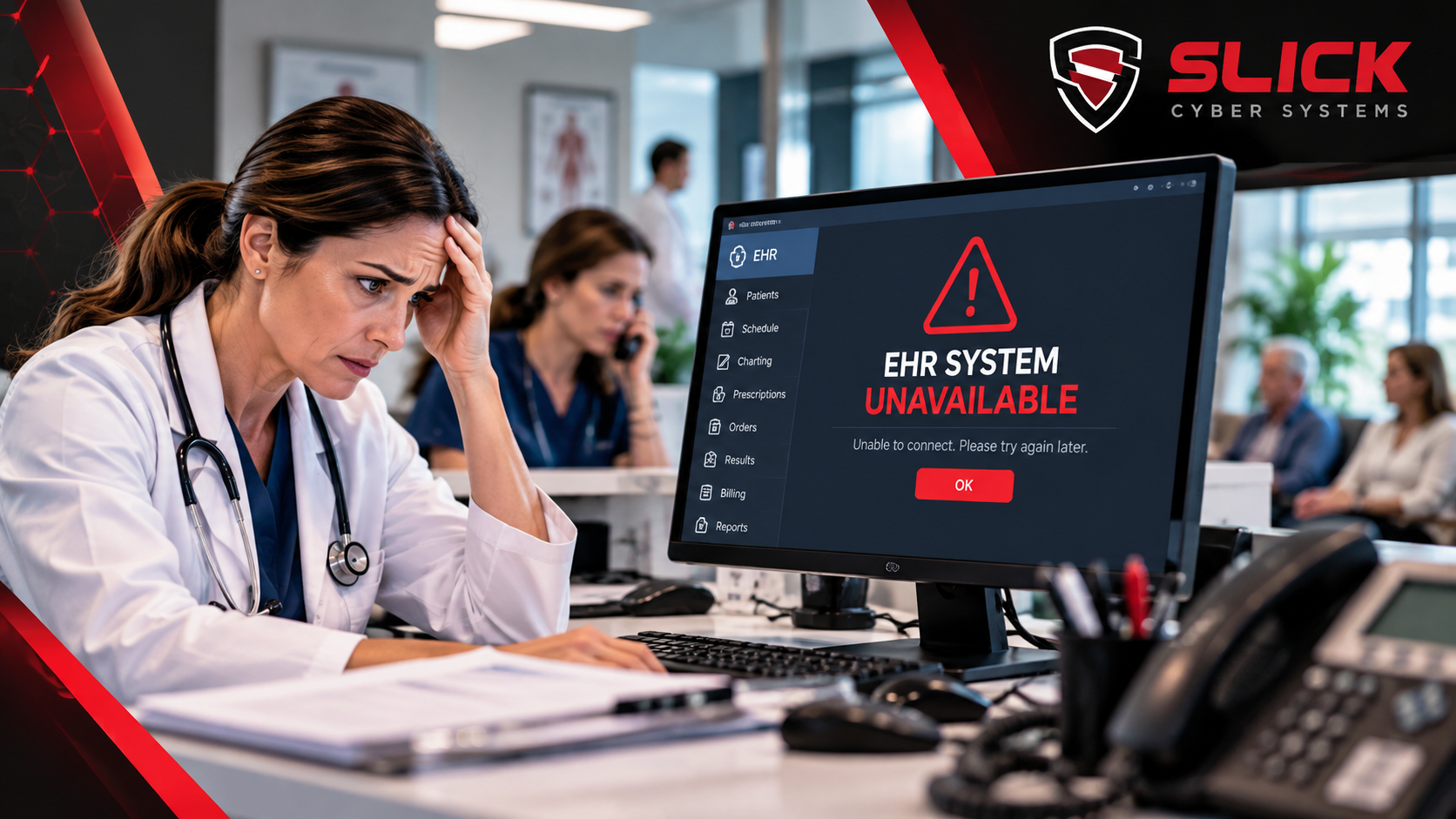
An EHR outage can turn a normal clinic day into confusion very quickly.
The schedule disappears.
Staff cannot open charts.
Prescription workflows change.
Billing stops moving.
Providers start asking how long the system will be down.
The most important question is not:
“When will the EHR come back?”
It is:
“What should the practice do right now?”
That is exactly what EHR downtime procedures are supposed to answer.
The First 15 Minutes Matter Most
When an EHR becomes unavailable, the first mistake is often indecision.
Staff reboot workstations.
Someone calls the EHR vendor.
Another person calls IT.
The front desk keeps refreshing the same screen.
Meanwhile, the waiting room keeps filling.
A practice should already know:
- Who confirms that the outage is real
- Who contacts the EHR vendor
- Who contacts IT
- Who communicates with staff
- When the practice switches to downtime procedures
- Where approved downtime forms are stored
- Who decides when normal operations resume
The faster everyone follows the same process, the less confusion the outage creates.
Authoritative healthcare guidance consistently recommends having written downtime procedures, defined communication responsibilities, and tested contingency workflows. ASPR TRACIE
What EHR Downtime Procedures Should Cover
Good EHR downtime procedures are practical.
They should tell employees what to do without requiring them to invent a workaround during the outage.
The plan should address:
- Patient registration
- Clinical documentation
- Scheduling
- Prescription workflows
- Lab and imaging orders
- Billing and charge capture
- Internal communication
- Patient communication
- Vendor escalation
- Recovery and reconciliation
A policy that simply says “use paper during downtime” is not enough.
Staff need to know which forms to use, where to find them, who owns each process, and what happens when the EHR comes back online.
Start With Patient Flow
The biggest operational question during EHR downtime is whether the practice can continue seeing patients safely and efficiently.
That depends on the specialty, the outage, and what information remains available.
The practice should have an approved process for:
- Identifying scheduled patients
- Recording patient information
- Documenting the visit
- Tracking orders
- Recording prescriptions
- Capturing charges
- Flagging work that must be entered later
Healthcare downtime planning guidance specifically calls out patient visits, documentation, prescriptions, orders, results, referrals, billing, and communication as areas that need procedures. ASPR TRACIE
Do Not Let Every Department Invent Its Own Workaround
An outage becomes harder to recover from when different employees create different temporary systems.
One person uses paper.
Another opens a spreadsheet.
Someone else writes notes on a printed schedule.
Another staff member stores information in a local document.
That creates a second problem after the EHR returns:
How do you reconcile everything?
The goal of EHR downtime procedures is to create one approved temporary workflow.
That makes recovery easier.
Know What Is Actually Down
Not every EHR problem is the same.
The outage may come from:
- The EHR vendor
- A failed server
- A database problem
- Internet loss
- Network failure
- Firewall problems
- Cloud service interruption
- Ransomware
- Power loss
- A workstation issue
A medical practice should not assume that “EHR is down” automatically means the EHR vendor is responsible.
Your IT provider should help determine where the failure actually exists.
Slick Cyber Systems’ Business Systems Management Services focus on the servers, networks, databases, cloud platforms, and infrastructure behind critical applications such as EHR and practice-management systems.
When Should the Practice Call the EHR Vendor?
Contact the EHR vendor when:
- The vendor confirms a service outage
- Multiple users see application-specific errors
- The platform itself appears unavailable
- The problem affects EHR functionality while other systems remain healthy
The EHR vendor should own the application.
But your IT provider should remain involved when the issue may involve the infrastructure around the application.
When Should the Practice Call IT?
IT should become involved when the cause is unclear or when multiple systems are affected.
That may include:
- Internet problems
- Server failures
- Network issues
- Database performance
- Firewall problems
- Remote access failures
- Backup or recovery questions
- Security incidents
Slick Cyber Systems’ Healthcare IT Services are designed around keeping EHR access, networks, infrastructure, cybersecurity, and other systems available for medical practices. Slick Cyber Systems
EHR Downtime Procedures Should Include Communication
Staff need one clear source of information during the outage.
Someone should communicate:
- What is down
- What is still working
- Whether downtime procedures are active
- Who is working on the problem
- What staff should do next
- When the next update will be provided
Without that structure, employees keep asking for updates individually and rumors replace facts.
Communication should also include external parties when needed.
That may include:
- Patients
- Labs
- Pharmacies
- Imaging centers
- Referring providers
- Vendors
Paper Workflows Need to Be Ready Before the Outage
If the practice depends on paper during EHR downtime, the forms need to exist before the system fails.
That may include approved forms for:
- Patient registration
- Encounter documentation
- Orders
- Prescriptions
- Billing
- Results tracking
- Referral tracking
The exact forms depend on the practice and clinical workflow.
What matters is that staff know where they are and how to use them.
Do Not Ignore Billing During EHR Downtime
The clinical side of downtime gets the most attention.
But billing can also be affected.
If charges are not captured correctly, the practice may need to reconstruct the day later.
Downtime procedures should define:
- How charges are recorded
- Who tracks incomplete billing work
- How authorizations are handled
- What needs to be entered after recovery
- Who verifies that nothing was missed
A technology outage can become a revenue-cycle problem if this is overlooked.
Recovery Starts Before the EHR Comes Back Online
Many practices think downtime ends when the login screen works again.
It does not.
The recovery phase may be the most complicated part.
Staff may need to:
- Re-enter documentation
- Reconcile orders
- Update medication records
- Enter charges
- Scan or index paper forms
- Resolve duplicate entries
- Verify missing information
- Confirm follow-up work
That is why EHR downtime procedures should include a recovery section, not just outage instructions.
Research on EHR downtime also emphasizes the importance of uptime recovery, reconciliation, and staff preparation. PubMed Central (PMC)
Backups Matter, but They Are Not the Downtime Plan
A backup is essential.
But a backup does not tell the front desk how to check in patients.
It does not tell a provider how to document care.
It does not tell staff how to capture charges.
And it does not tell the practice how to communicate during an outage.
Backup and downtime procedures solve different problems.
Your data backup and recovery strategy should protect systems and data.
Your downtime procedures should protect the workflow of the practice while recovery is happening.
Test the Plan Before You Need It
A downtime procedure that has never been tested may fail at the exact moment it is needed.
Practices should periodically review questions such as:
- Can staff find the downtime forms?
- Does everyone know who declares downtime?
- Are vendor contacts current?
- Can the schedule be accessed another way?
- Does staff know how to document temporarily?
- Who owns reconciliation?
- What happens if the outage lasts several hours?
Healthcare guidance recommends drills, training, and rehearsal as part of EHR downtime preparedness. ASPR TRACIE
Your IT Provider Should Help Prevent Avoidable Downtime
Downtime procedures are important.
So is reducing the number of outages that happen in the first place.
Recurring EHR interruptions may come from problems with:
- Aging servers
- Network instability
- Internet reliability
- Database performance
- Storage limitations
- Poor Wi-Fi
- Firewall issues
- Unsupported infrastructure
Slick Cyber Systems helps healthcare practices identify these weaknesses before they interrupt patient care.
If your EHR has become slow or unreliable, our Healthcare IT Services and Business Systems Management Services can help evaluate the technology behind the application. Slick Cyber Systems
What Should a Medical Practice Do When the EHR Goes Down?
The answer should already be documented.
A prepared practice should know:
- Who confirms the outage
- Who declares downtime procedures active
- How staff continue approved workflows
- Who contacts the EHR vendor
- Who contacts IT
- How staff communicate
- How documentation and billing are captured
- How the practice reconciles work after recovery
If those answers only exist in someone’s head, the practice is not ready.
Build EHR Downtime Procedures Before the Next Outage
An EHR outage may last ten minutes.
It may last several hours.
The practice cannot control every cause.
It can control how prepared the staff are to respond.
Slick Cyber Systems helps medical practices evaluate the infrastructure, networks, servers, backup, cybersecurity, and technology dependencies behind EHR and practice-management systems.
If your practice does not have a clear EHR downtime process—or recurring outages are already affecting patient care—start with a Healthcare IT Assessment and identify the technology risks that could turn the next outage into a larger operational problem.








Leave A Comment
You must be logged in to post a comment.